
The advent of generative AI marks a pivotal moment for in-house legal teams. Like any emerging technology, it brings immense opportunities and risks. As teams adopt AI, a crucial question arises – how can we strategically harness its power?
Phones, tablets, laptops and more keep information flowing wherever it needs to go—but there’s a dark side many overlook. Mobile devices often lack sufficient cybersecurity, and for that reason, they’re increasingly under attack. Could your mobile devices be putting your data—and practice—at risk? Does your current cybersecurity strategy treat mobile security seriously enough? Read our commentary on Law.com for more on this important issue.
An AI-powered platform for law firms
Your firm works with enormous amounts of unstructured data, also known as content: everything from contracts that close deals to client files used in cases. You need a single, secure platform — and the power of AI to get the most from your data. Unlock the value of your content with the Intelligent Content Cloud, bringing together best-in-class security, content management, collaboration, e-signature, workflow, and AI that’s built right in.

Legal learning and development teams are facing big decisions in 2025. Our latest survey shows that while AI is making waves, most law firms are still figuring out how to use it in training. Some are testing tools like ChatGPT, but many are waiting for approval before they dive in.
One of the biggest challenges? Time.
Law firm professionals are busy, and training often takes a back seat. Many firms have great learning resources for lawyers but struggle to offer the same for other roles. And while there’s plenty of talk about shifting to skills-based learning, most firms still stick with traditional job titles focus.
Read the full survey findings report here: Survey Reveals AI Innovation & Core Learning Needs for Law Firms
The key to success isn’t just adopting new tech, it’s making sure it fits into daily work without adding more complexity.
We understand these challenges because we work with legal L&D teams every day. Our platform is designed to make training easier, more engaging, and tailored to real legal work. Whether you’re exploring AI, looking for better ways to train your teams, or just need a system that actually fits your firm, we can help.
Want to see how? Let’s connect at Legal Week booth 1509.
About: Intellek is a leading provider of learning management solutions that empower law firms to elevate their training and development strategies. With a commitment to innovation and user-centric design, Intellek offers a robust cloud-based LMS platform and legal specific eLearning that deliver impactful training experiences.
ILTA Product briefing webinar!
Get a live demo of how the imDocShare One Teams app enables you to experience the real-time co-authoring of iManage content in Microsoft Teams.
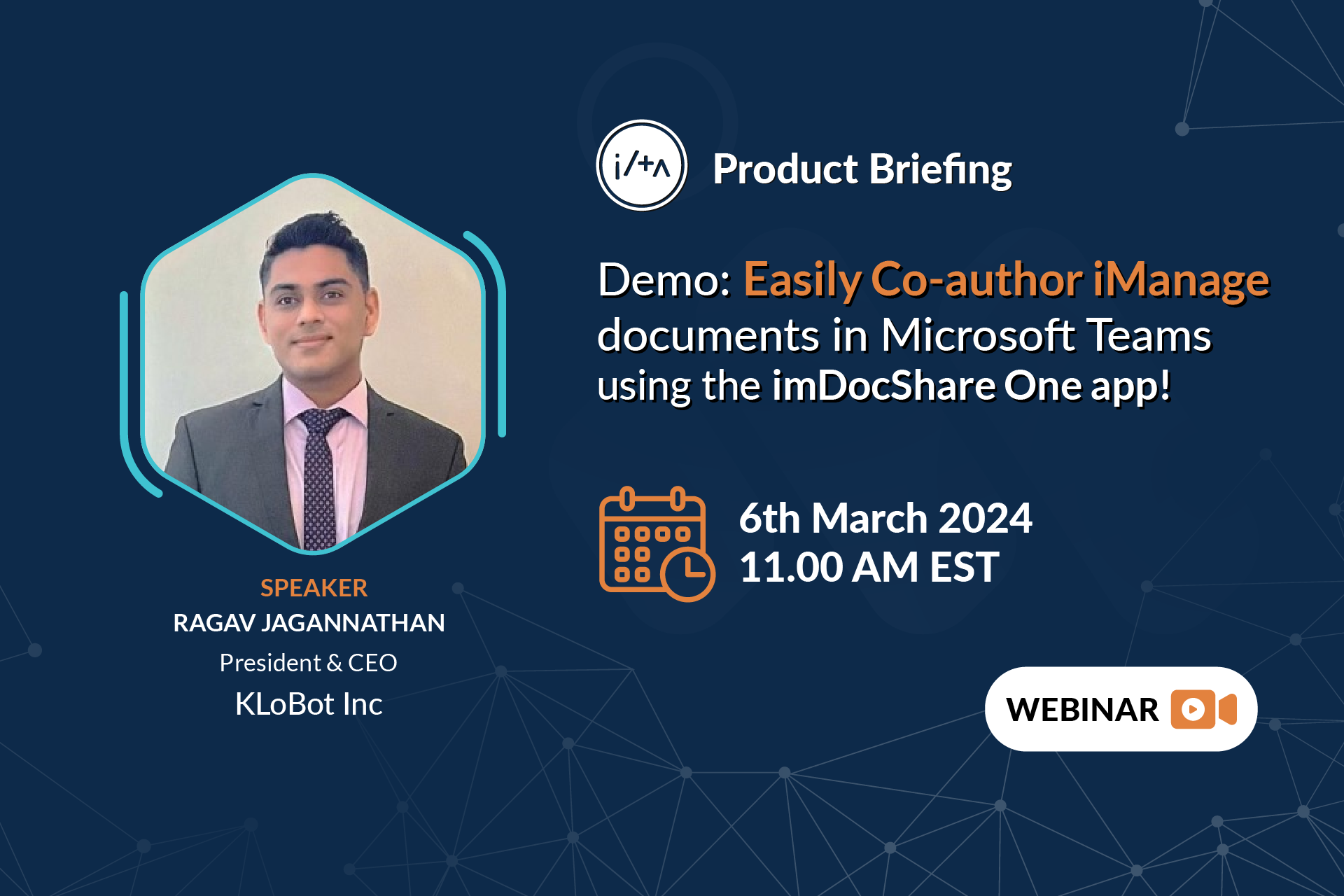
Register now> https://www.imdocshare.com/co-author-imanage/
In this 30-minute webinar, we’ll show a live demo of how the imDocShare One Teams app enables you to experience the real-time co-authoring of iManage content in Microsoft Teams.
-
How to seamlessly co-author Microsoft Office documents (Word, Excel, or PowerPoint) stored in iManage without ever leaving Microsoft Teams
-
How does the co-authoring capability of the imDocShare One Teams app reduce document creation and review times by allowing multiple users to collaborate simultaneously?
-
As a bonus, learn how the imDocShare Sync app helps to synchronize documents between Microsoft Teams and iManage and securely share iManage document links within a 1-1 or group chat.
In this in-depth guide, we’ll explore everything you need to know about generative AI fundamentals for legal professionals, the art of legal prompting, guided practical prompting, and much more.
One is six people lives with a disability of some kind – whether hidden or visible, temporary, situational or permanent. That translates to a huge number of potential travelers with needs that aren’t currently being met. At Reed & Mackay, we believe people with visible and hidden disabilities have the right to access travel, just like anybody else.
Diversity, Equality and Inclusion (DEI) is integral to many of our clients. And we believe in using our position of influence and connections within the industry to lobby for change, amplify our clients’ voices and provide the same standards of service to all. We get how important it is for our clients to offer all their employees the same opportunities to travel and progress in their careers – and we’re doing everything we can to support them in this.
No two travelers or trips are ever the same, so why should meeting the needs of travelers with disabilities be a one-size-fits-all exercise?
We strive to give all our clients – regardless of their abilities – the same levels of exceptional service. Our dedicated service mindset means we put ourselves in your shoes and go the extra mile for you.
Read our white paper to find out how Reed & Mackay helps you travel without prejudice.
Legal101 — to connect, communicate, and collaborate
Legal101 is on the go mobile-ready intranet platform, which empowers law firms to accelerate employee productivity, enhance communication and workplace efficiency. The platform enables attorneys and practitioners to stay connected and informed with law firms’ updates.
Legal101 Highlights
Lawyer Dashboard
Actionable Alerts
My Favorite Links / My Tools
Firm News and Newsletter System
Firm / Department / Office Calendar system
Firm Directory
Guided Search Experience
Search Results
Watch more> https://www.youtube.com/watch?v=IEDHT6xNHks
This whitepaper serves as a guide to help you make the most of the eDiscovery capabilities currently available from Microsoft. This can help you adopt an efficient workflow to better manage risk and cost by quickly finding relevant content to satisfy eDiscovery requirements related to internal investigations, legal and regulatory requests.
imDocShare is an innovative solution to conveniently live view, edit, search and sync iManage Work Server 10.2+ & iManage Cloud content within Microsoft SharePoint, Microsoft OneDrive for Business, and Microsoft Teams.
The key Add-Ons of imDocShare
imDocShare One Teams app
imDocShare Teams app allows users to Live–View, Add, Edit, Search, and Sync any iManage Work Server 10.2+ (or iManage Cloud) content in Microsoft Teams as a personal app or Channel Tab.
Users can reference & insert document cards from iManage in Teams’ Conversations (Post), Save Microsoft Teams Channel Conversation Thread selectively to iManage and ensure Content Governance and Compliance
imDocShare Sync
imDocShare Sync allows users to automatically perform bi-directional/one-way sync of everything or selected folders/files, including metadata fields, between SharePoint, Teams Files, OneDrive Libraries, and iManage Workspaces/folder.
imDocShare Hybrid Search
imDocShare Hybrid Search provides the ability to Search multiple iManage and SharePoint content sources from one single integrated search interface in SharePoint.
imDocShare Content Browser
imDocShare Content Browser provides the ability to look up and reference any iManage content sources with your .NET, PHP, Java, or Full Stack web app.
imDocShare Attach
imDocShare Attach provides the ability to look up and link iManage documents within SharePoint List and Document Libraries.
Co-Authoring using Office Client
Users can co-author Office (version 2013 or above) documents saved in iManage right within SharePoint & Teams using Office Client like Word, Excel on their laptop.
imDocShare Admin
Users can centrally manage and enforce imDocShare Settings, including enable/disable/default-value setup of properties that can be otherwise modified by Page Admins in SharePoint WebParts and Users in Microsoft Teams’ Channel Tab.
Watch more> https://www.youtube.com/watch?v=tAzHr2F3ztc